Creation workflow, 6 min
Make the still work. Then make it move.
Direct the person and scene first. Add motion when the image feels right.
9:41
Imagine
Your edit
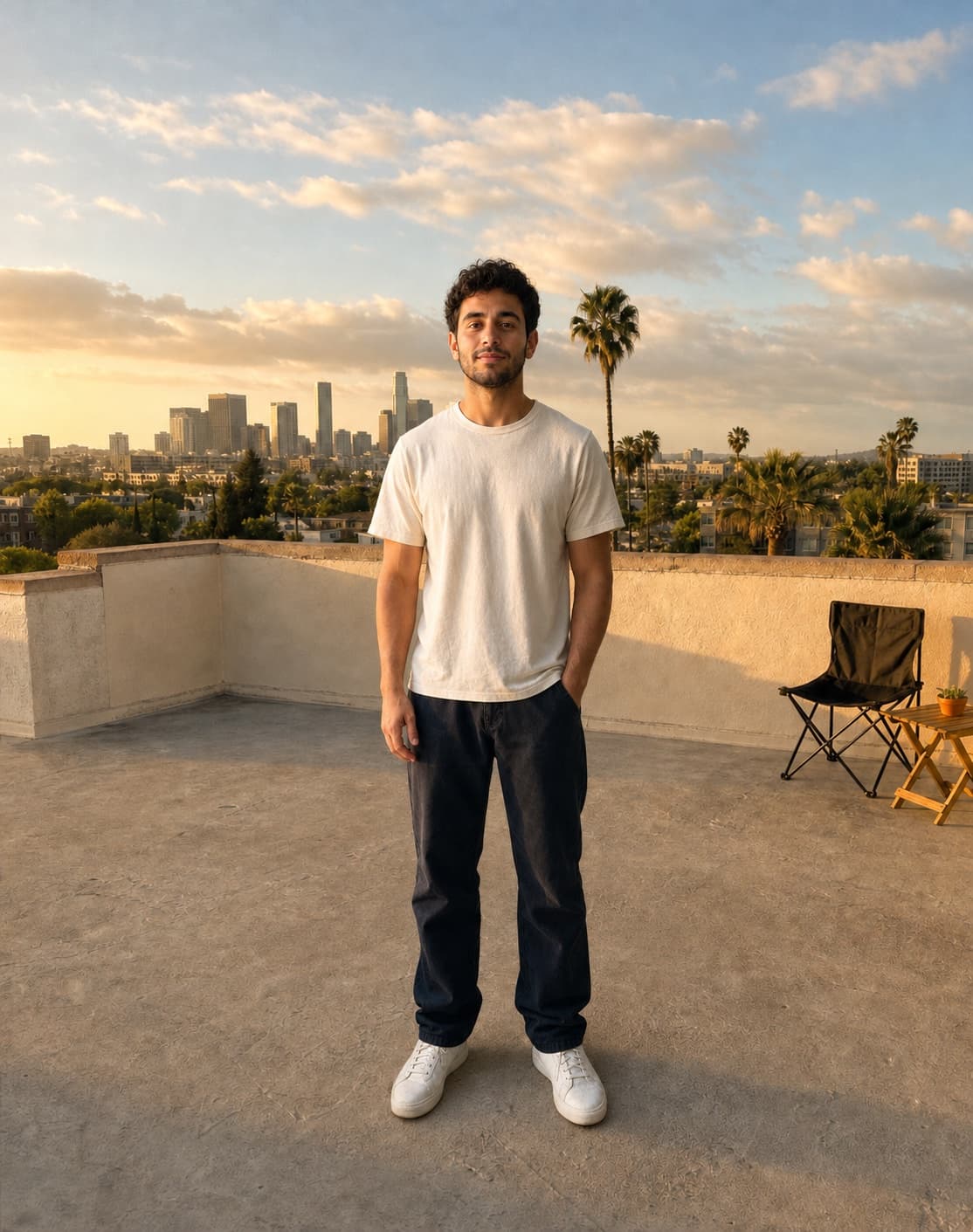
Original sceneYou in the scene
Guide the video with references.
Order the scene, Persona, and look. Then play the result.
References → video
Scene. Persona. Look.
Keep every reference in order. Let the result move.
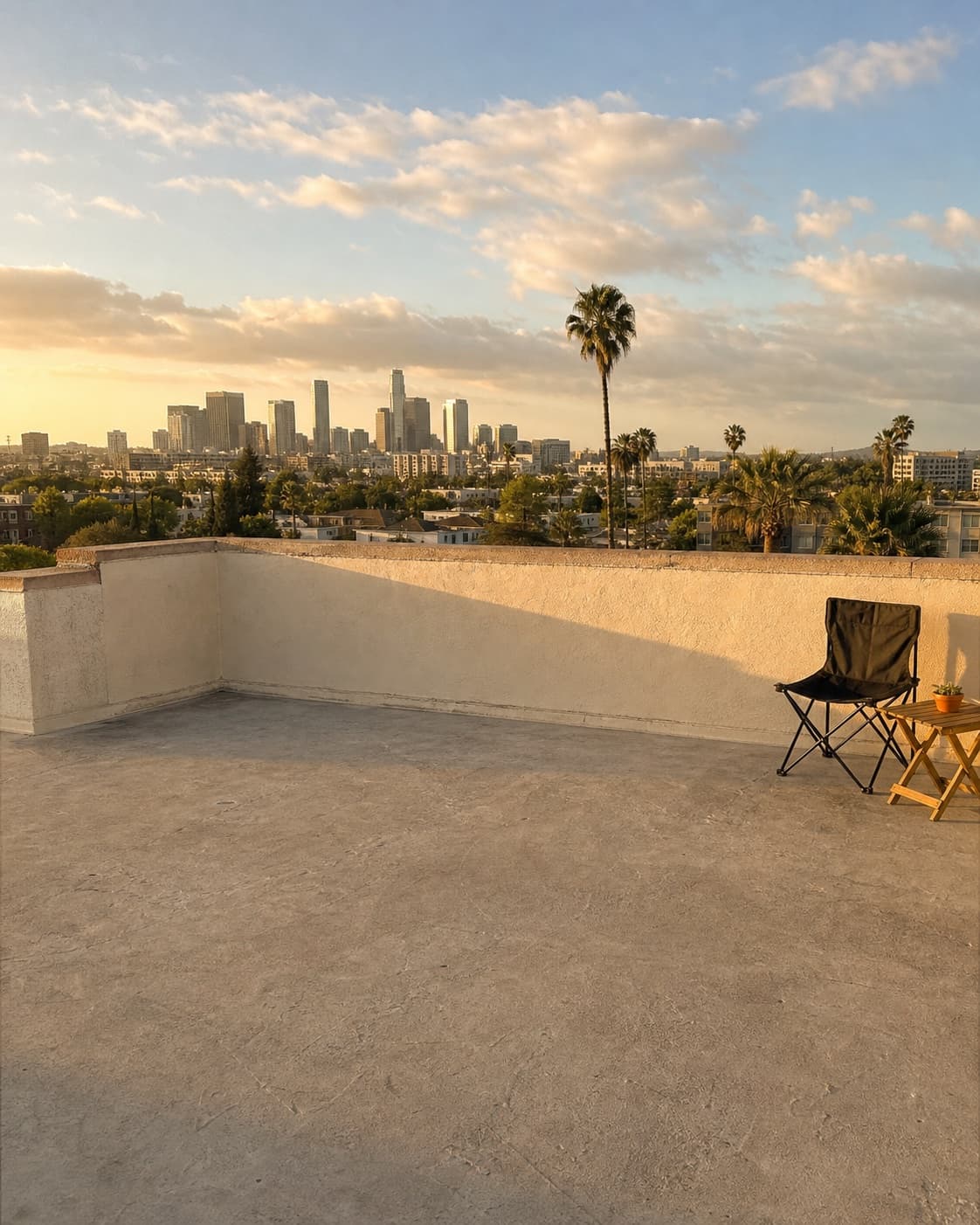 1. Scene
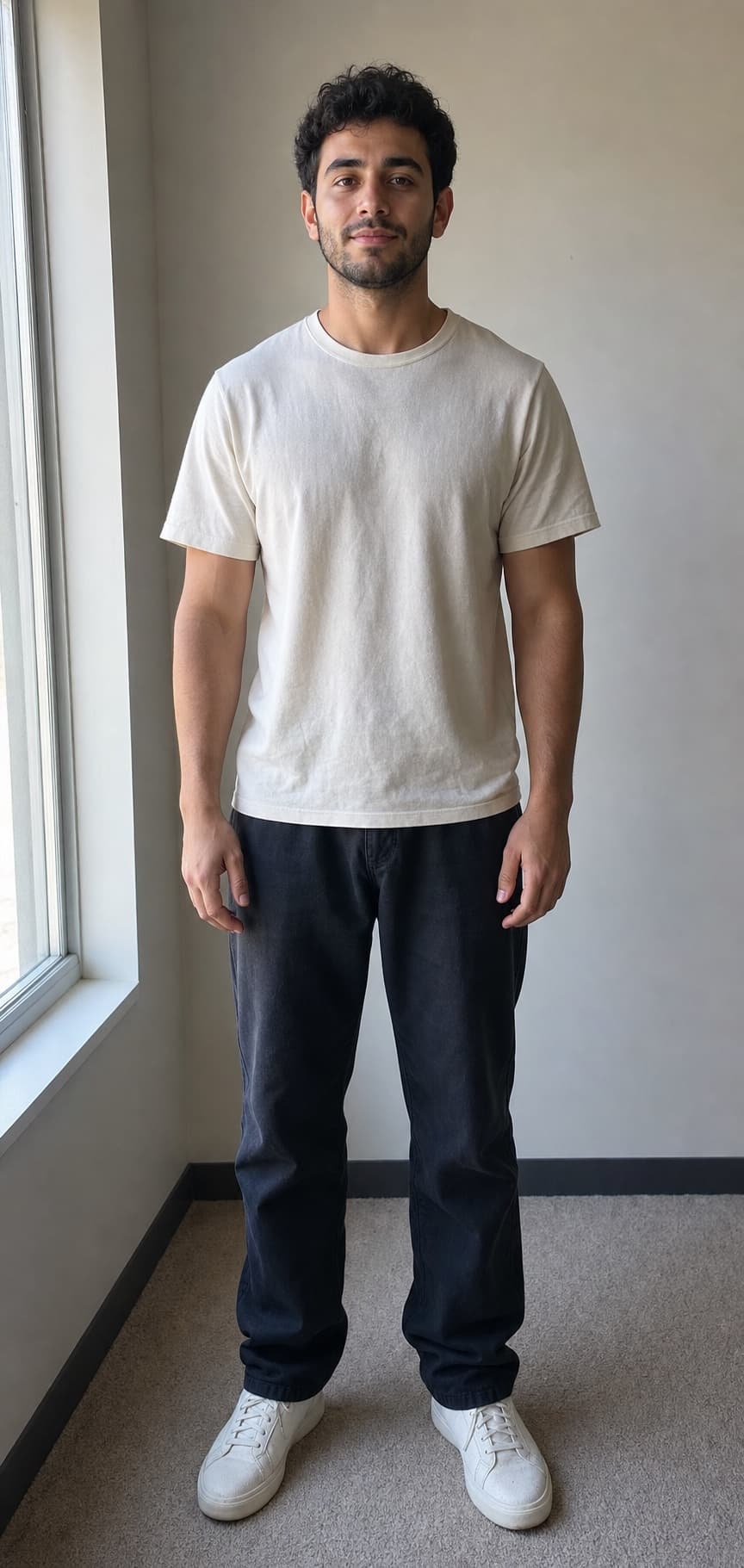 2. You3. Look
9:41•••
Imagine
References → video
SceneYouLookActual motion plays in the phone · illustrative, not model output
Extend
Extend a video.
Choose the moment that works. Continue with the video context intact.
Illustrative motion · this demo never submits a generation.
9:415G
Imagine
Extend
0s4.0s6s
Move the slider or preview the rewind.
Model controls vary
Reference limits, duration, resolution, output shape, and Extend behavior depend on the selected model. LARP shows the supported controls in the composer.